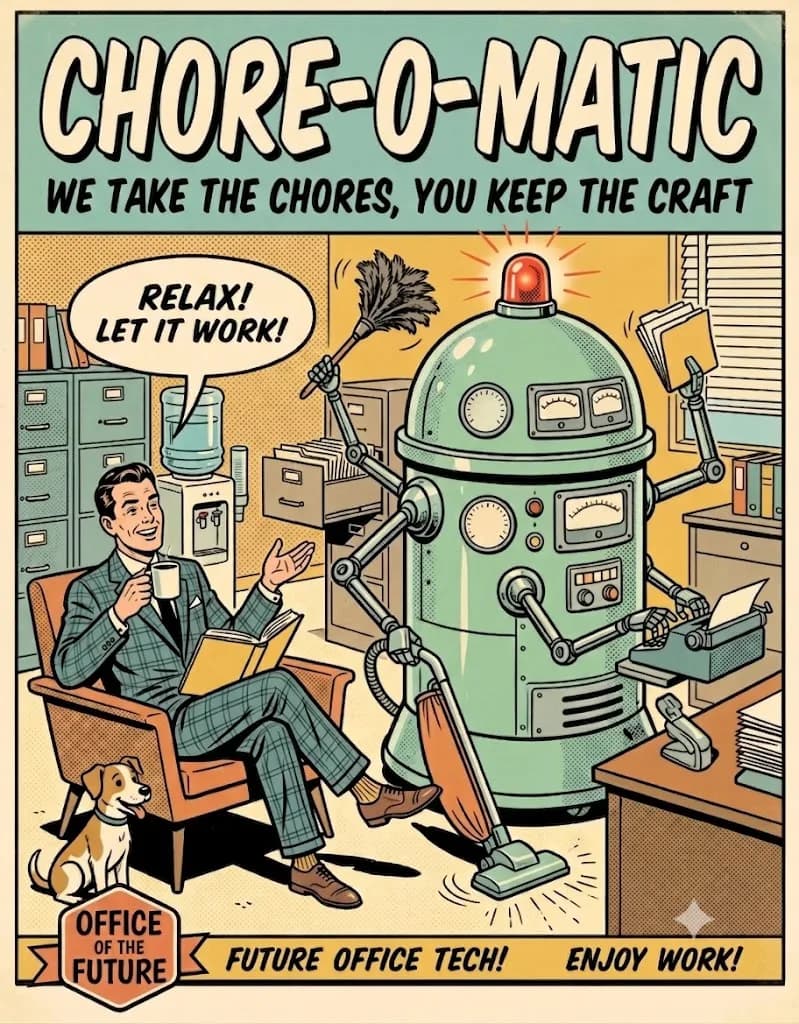
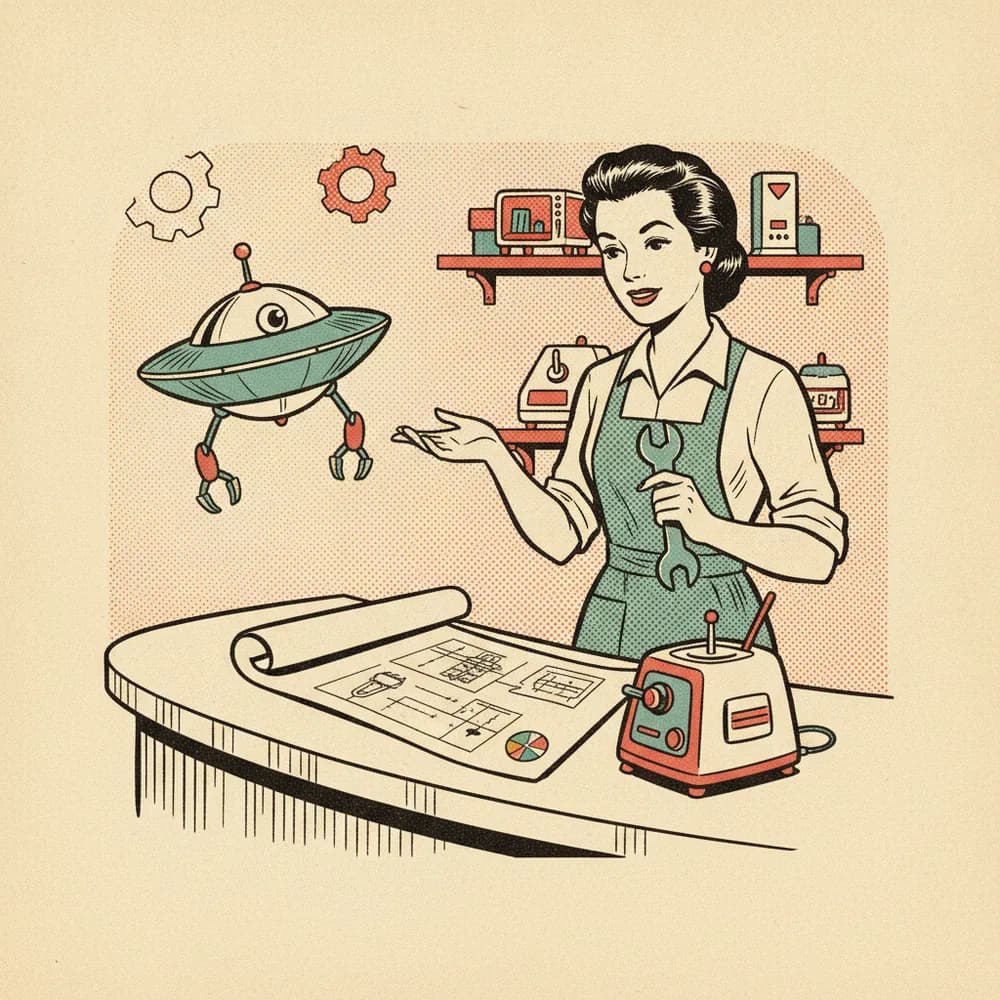
Tell us the chore.
A short interview, in plain language. What the chore is, when it happens, what counts as done. If you can explain it to a new assistant, you can explain it here.
Chore-o-matic builds small, autonomous agents — each one pointed at the tedious part of your work, so you stay on the part you love.
No code, no forms, no flowcharts to maintain. You describe the chore once, and a working agent comes back.
A short interview, in plain language. What the chore is, when it happens, what counts as done. If you can explain it to a new assistant, you can explain it here.
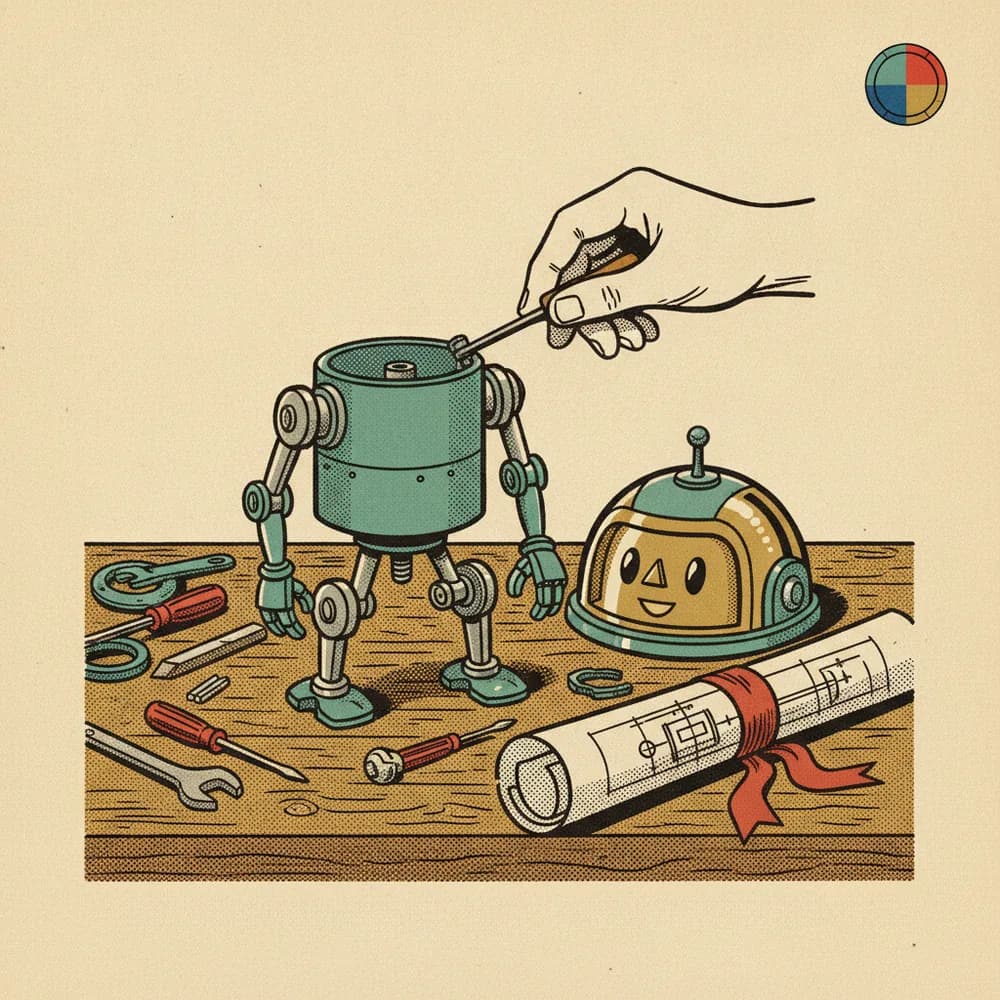
Your answers become a blueprint written in plain words. You read it, you approve it, and we build the agent to match. Nothing to install, nothing to maintain.
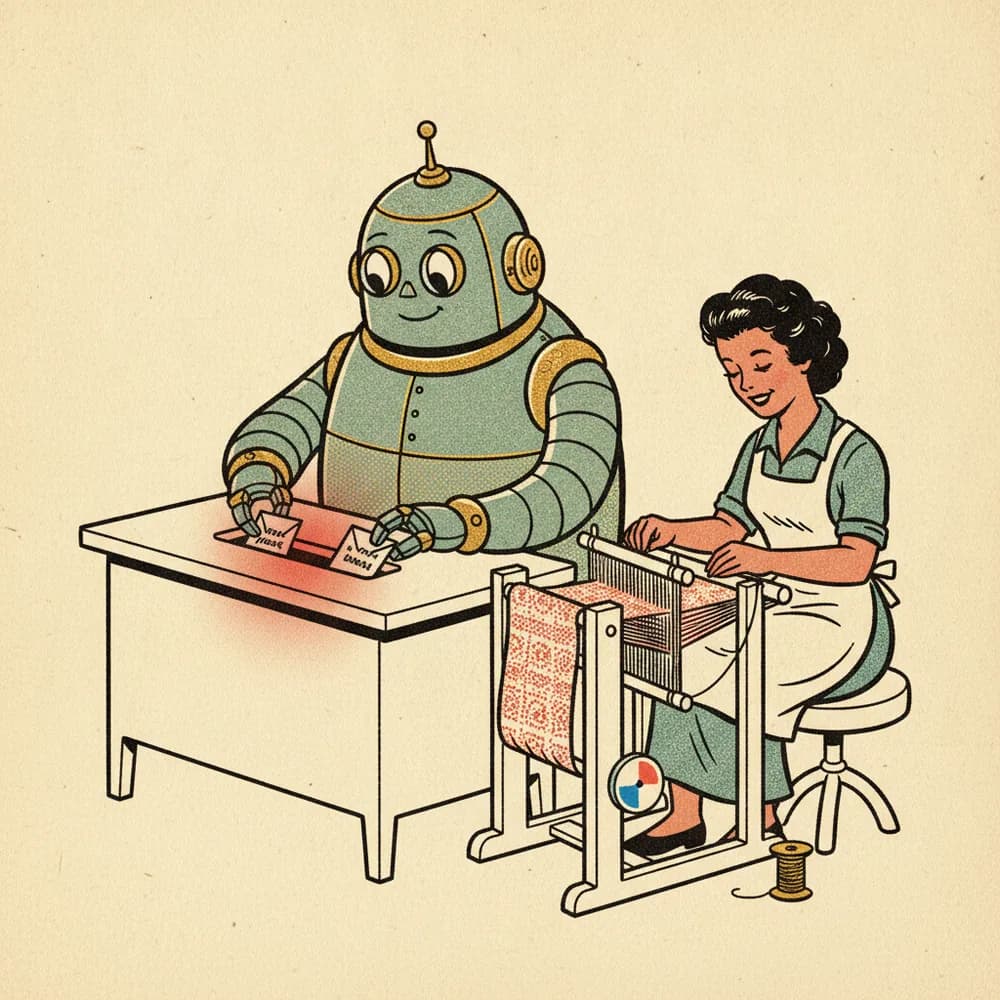
Your agent runs on its own, on schedule, and handles the chore. Check in whenever you like — anything unusual comes back to you.
A chore-agent listens through the channels you choose, keeps context in its operating memory, reasons inside its written boundaries, then uses approved tools to do the tedious part. Anything odd comes back to you.
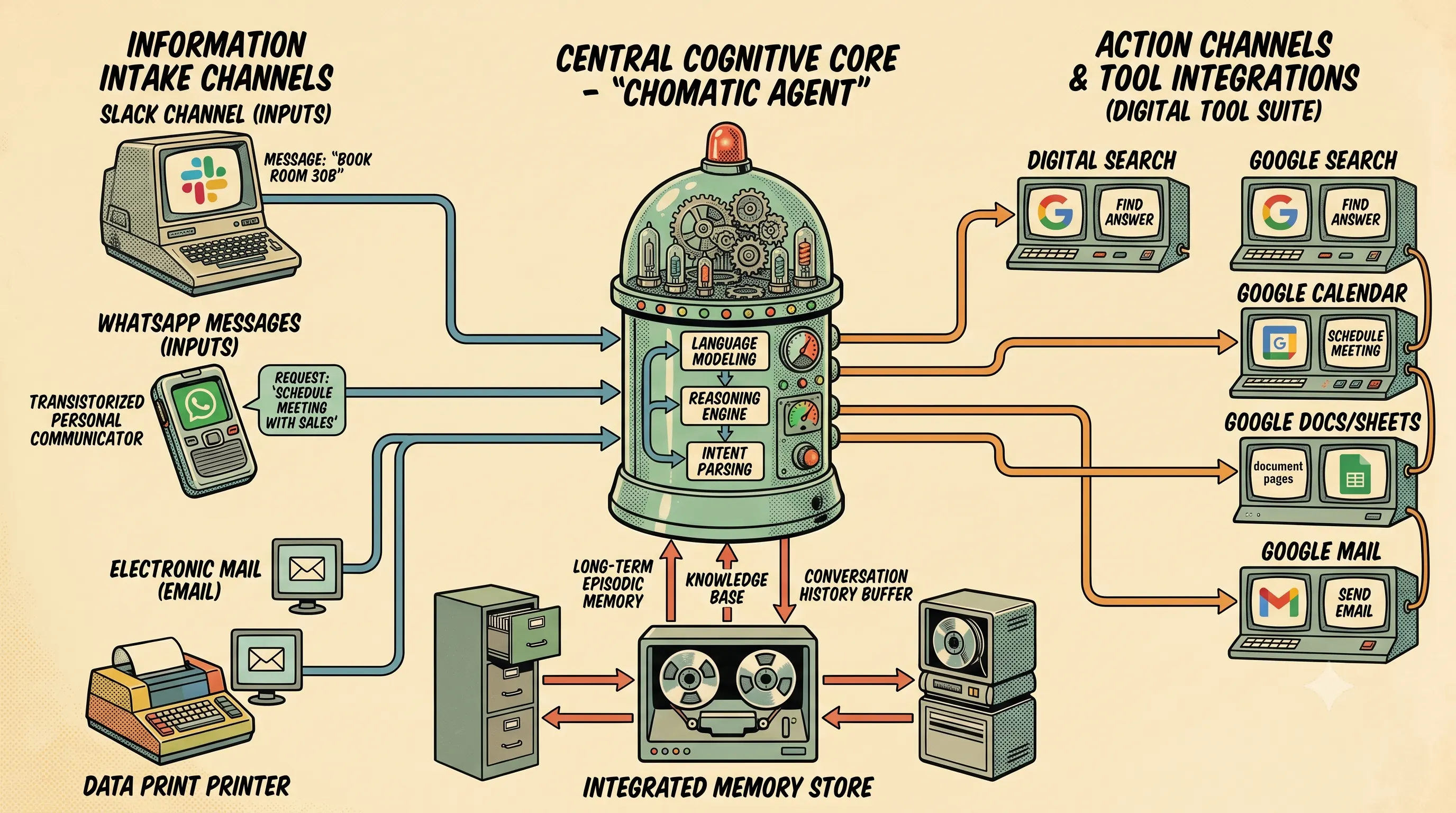
Agents don't work in a vacuum — they read, write, and tidy up inside the same tools you do.
 No. 03-A
Talks with your clients where they already are. Answers the routine messages, keeps every thread moving, and surfaces the one that actually needs you.
 No. 03-B
Reads your week and puts new events on it. Confirmations land on the calendar before the back-and-forth reaches your inbox.
 No. 03-C
Keeps the running record. Every reply, count, and confirmation lands on the sheet as it happens — quietly true by morning.
 No. 03-D
Sends the mail you'd rather not type. Confirmations, chase-ups, the morning digest — written once, sent whenever they're due.
 No. 03-E
The spare socket. An HTTP POST to any endpoint you name, so the rest of your stack hears the news too.
Tell us the tool and the chore around it. New integrations ship by request — not by roadmap theatrics.
A few of the chores an agent takes on — the persona, the chore itself, and what “done” looks like. Concrete, so the shape is easy to borrow for your own.

Marta · solo residential letting agent

Priya · practice manager, physiotherapy clinic

Tomás · owner of a ceramics shop on Shopify
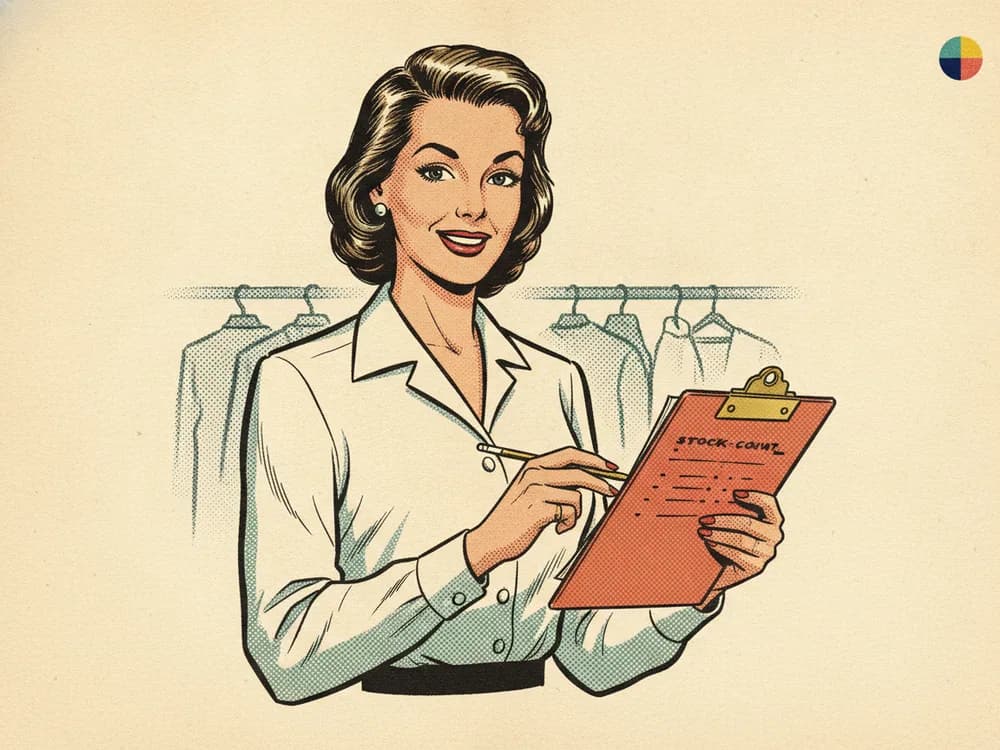
Elena · back-office manager, three-store boutique chain

Diego · support lead at a small SaaS
Illustrative examples of the kind of chore an agent handles — real customer stories replace them after the pilot.
Straight answers to the questions people actually ask.
No. Chat is how the system gathers the chore. The output is a running agent with tools, schedules, boundaries, and status.
The system says so plainly and records the gap — then the studio takes it from here. That chore moves to service-mode; it never gets rejected.
No. Your agent runs on the hosted Chore-o-matic runtime. Export exists as an ownership guarantee, not a chore for you to finish.
You do. You own the Chore Blueprint and everything built from it. The blueprint is the lasting source of truth; the code it generates is output you can regenerate any time.
During the pilot it's simple: one agent, one chore, one price we agree up front. Formal pricing comes later, set from what the pilot actually shows.
Never in the blueprint. Secrets go through managed connections — scoped to the minimum, encrypted at rest, and handed to your agent only when it runs.
Say it plainly. The front door is a conversation about the repetitive work around your craft — not a form about frameworks. A short interview turns your answer into a blueprint you can read.
others started with: booking confirmations · morning dockets · approval nudges · log entries